

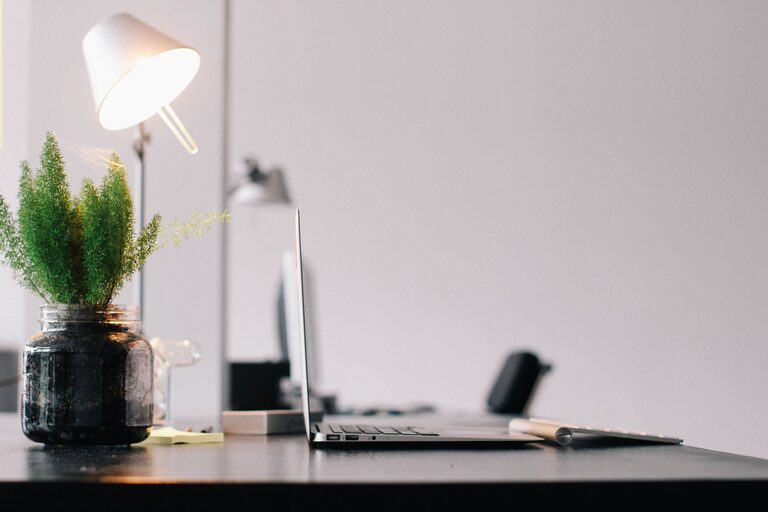
Creating a productive home office space can significantly improve your work efficiency and overall well-being. Whether you’re working remotely full-time or occasionally need a dedicated spot for tasks, a well-designed workspace supports focus, organization, and comfort. Below are key tips to help you create a home office that inspires productivity and avoids common distractions.
Choose the Right Location
The first step is selecting a space in your home that suits your work needs.
– Find a quiet area: Choose a spot with minimal noise and foot traffic to reduce distractions.
– Natural light is a plus: A space near a window helps boost mood and energy.
– Separate from living areas: If possible, pick a room or corner where work is distinct from relaxation zones.
Having a dedicated work area signals your brain it’s time to focus.
Invest in Comfortable Furniture
Comfort plays a big role in productivity since working for hours in discomfort can lead to fatigue.
– Ergonomic chair: A supportive chair helps maintain good posture and prevent back pain.
– Proper desk height: Your desk should allow your arms to rest comfortably while typing.
– Adjustable setups: Standing desks or adjustable monitors add flexibility and help reduce strain.
Comfortable furniture encourages longer, more focused work sessions.
Organize Your Workspace Efficiently
A clutter-free desk helps clear your mind and improve concentration.
– Use storage solutions: Drawer organizers, shelves, and baskets keep essential items handy but out of sight.
– Limit desk items: Keep only daily necessities within reach to avoid distractions.
– Cable management: Use clips or sleeves to keep cords tidy and prevent tangles.
Regular tidying sessions maintain an organized environment over time.
Optimize Lighting
Proper lighting reduces eye strain and keeps you alert.
– Combine natural and artificial light: Use daylight where possible, supplemented by task lamps.
– Avoid glare: Position screens perpendicular to windows to minimize reflections.
– Choose the right bulbs: Warm white bulbs create a cozy atmosphere, while daylight bulbs keep you alert.
Adjust lighting throughout the day for different tasks and times.
Minimize Digital Distractions
Managing distractions from devices helps preserve focus during work hours.
– Use apps or browser extensions: Tools that block or limit social media and non-work sites can help.
– Turn off non-essential notifications: Silence alerts from personal apps or emails.
– Create device zones: Designate areas for work devices separate from personal gadgets.
Building these habits limits interruptions and improves productivity.
Personalize Your Space Tastefully
Adding personal touches makes your workspace enjoyable and inspiring.
– Incorporate plants: Indoor plants improve air quality and add calming greenery.
– Display meaningful items: Photos, artwork, or motivational quotes encourage positivity.
– Choose soothing colors: Soft, neutral tones promote relaxation while working.
Balance personalization so it uplifts you without becoming clutter.
Establish Boundaries and Routine
Creating structure around your workday supports productivity.
– Set defined work hours: Communicate your schedule to family or housemates.
– Take regular breaks: Short pauses improve focus and prevent burnout.
– Stick to a morning routine: Prepare for work as if going to an office to shift mindset.
Consistent routines help maintain work-life balance in a home setting.
Keep Essentials Within Reach
Ensure your most-used items are easily accessible to avoid interruptions.
– Office supplies: Pens, notepads, chargers, and other essentials should have a designated spot.
– Water and snacks: Stay hydrated and energized without leaving your desk often.
– Technology gear: Keep headphones, external drives, or printers nearby if used frequently.
A well-stocked space saves time and keeps you in the flow.
Use Technology to Your Advantage
Leverage tools and equipment that enhance your workflow.
– Reliable internet: A strong connection is crucial for video calls and online tasks.
– Quality peripherals: A good keyboard, mouse, and monitor improve comfort and efficiency.
– Organizational apps: Calendars, to-do lists, and project management tools help keep you on track.
Update your tech setup regularly to meet your evolving needs.
—
Creating a productive home office space is about combining comfort, organization, and focus-friendly elements tailored to your work style. By thoughtfully setting up your environment and habits, you can enjoy a workspace that not only supports your tasks but also promotes well-being. Take the time to plan and personalize your home office, and you’ll likely notice a positive difference in your productivity and satisfaction.