

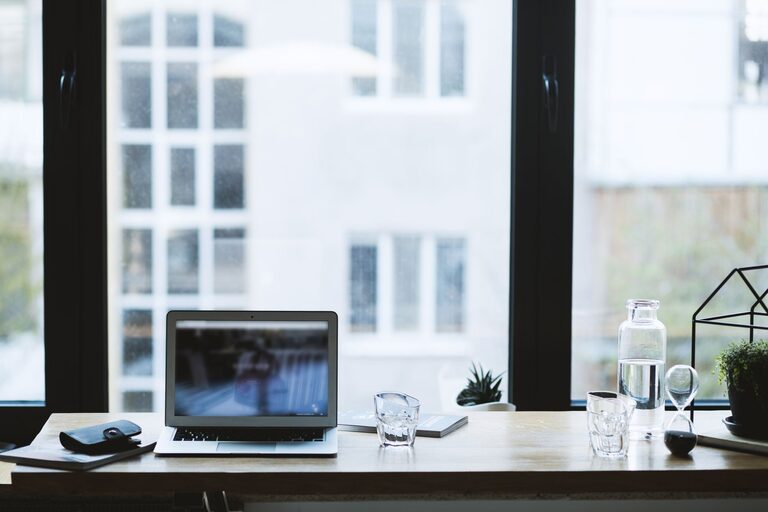
Creating a productive home office environment is essential for anyone working remotely or managing tasks from home. A well-designed space can boost focus, reduce distractions, and improve overall work satisfaction. Whether you have a dedicated room or a small corner, these tips will help you build a productive workspace that meets your needs.
Choose the Right Location
Selecting the proper spot for your home office is the first step toward productivity. Ideally, find a quiet area away from household traffic, noise, and distractions. If possible, choose a space near natural light as it can enhance mood and alertness.
Consider These Factors:
– Proximity to distractions such as the TV or kitchen
– Availability of windows for natural light and fresh air
– Sufficient space for your equipment and movement
Invest in Comfortable Furniture
Comfort matters when you spend long hours working. Invest in a quality ergonomic chair and a desk that fits your space and work style.
Key Furniture Tips:
– Choose a chair with adjustable height and lumbar support
– Use a desk at an appropriate height to maintain good posture
– Opt for adjustable desks if you like to alternate between sitting and standing
Optimize Lighting
Good lighting reduces eye strain and helps maintain focus. Combine natural light with layered artificial lighting for balanced illumination.
Lighting Suggestions:
– Position your desk near a window for daylight, but avoid glare on your screen
– Use adjustable desk lamps to focus light on specific tasks
– Select warm or daylight bulbs to reduce eye fatigue
Organize Your Workspace
A clutter-free desk and organized supplies help you stay on task and reduce stress.
Organization Ideas:
– Use storage containers, drawers, or shelves to keep items tidy
– Keep only essential items on your desk to minimize distractions
– Establish daily or weekly routines to tidy your workspace
Minimize Distractions
Distractions can derail your focus quickly, so it’s important to plan ways to minimize interruptions.
Tips to Stay Focused:
– Set clear work hours and communicate them with family or housemates
– Use noise-cancelling headphones or white noise machines if needed
– Turn off non-work related notifications on your phone or computer
Personalize Your Space
Adding personal touches to your home office can make it more inviting and motivate you to spend time there.
Ideas to Personalize:
– Hang inspiring artwork or photos
– Add plants for a natural and calming element
– Use colors that uplift your mood or create a professional atmosphere
Optimize Technology and Connectivity
Reliable technology is the backbone of an effective home office setup.
Tech Tips:
– Ensure your internet connection is fast and stable
– Use a quality headset or microphone for calls and meetings
– Keep necessary accessories like chargers, a mouse, and keyboard within reach
Take Breaks and Move Around
Even in a productive workspace, it’s essential to step away regularly to recharge.
Healthy Habits:
– Follow the 20-20-20 rule: every 20 minutes, look 20 feet away for 20 seconds
– Stretch or take a short walk during breaks to avoid stiffness
– Set reminders to stand up and move if using a sitting desk
Maintain Good Air Quality
Fresh air helps your brain stay alert and focused.
Simple Ways to Improve Air Quality:
– Open windows periodically to ventilate the room
– Use air purifiers if needed to reduce dust and allergens
– Incorporate plants known for air-purifying properties
Final Thoughts
Creating a productive home office environment involves intentional choices about space, furniture, lighting, and daily habits. By designing a comfortable and organized area tailored to your needs, you can enhance your focus and enjoy a better work-from-home experience. Start with small changes, and adjust your setup over time for optimal productivity.