

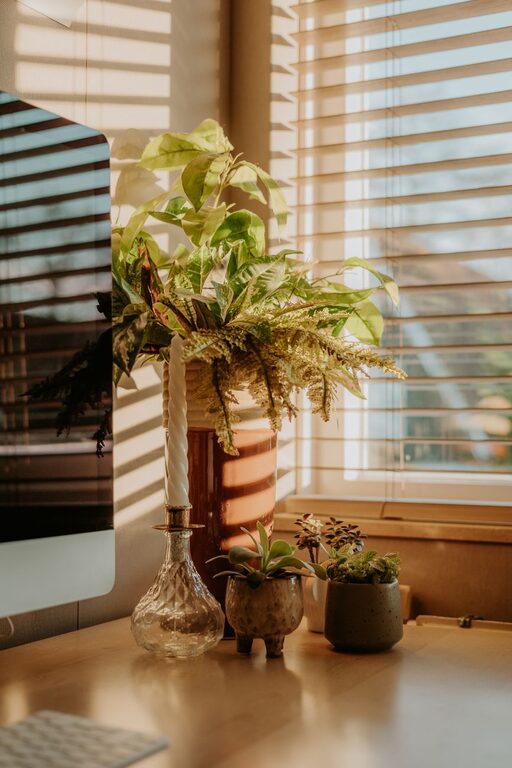
Creating a relaxing home workspace is essential for maintaining focus and reducing stress while working remotely. Whether you work from home full-time or occasionally, having an environment that promotes calmness can improve your productivity and well-being. In this post, we’ll explore practical tips to help you design a workspace that feels both comfortable and inspiring.
Choose the Right Location
Find a Quiet Spot
Select a place in your home that is quiet and has minimal distractions. Ideally, this space should be separate from high-traffic areas to help you concentrate better.
Consider Natural Light
If possible, position your desk near a window. Natural light boosts mood and energy levels, making your workday more enjoyable.
Invest in Comfortable Furniture
Supportive Chair
An ergonomic chair that supports your back can prevent discomfort during long work sessions. Look for adjustable features that allow you to customize height and tilt.
Spacious Desk
Choose a desk with enough surface area to hold your computer, notepad, and any tools you frequently use. A clutter-free desk encourages a clear mind.
Keep Your Workspace Organized
Declutter Regularly
Sort through papers and supplies weekly, keeping only essentials on your desk. Use drawers or storage bins to hide away items that aren’t needed daily.
Use Organizers
Desk organizers, cable management solutions, and filing systems can keep your workspace tidy and make it easier to find what you need.
Enhance Your Workspace Ambiance
Add Personal Touches
Include items that inspire you, such as a favorite photo, a small plant, or artwork. These elements can create a positive atmosphere without causing distractions.
Control Lighting
In addition to natural light, use soft task lighting to reduce eye strain. Avoid harsh overhead lights; a desk lamp with adjustable brightness is ideal.
Manage Noise Levels
If ambient noise is an issue, consider noise-canceling headphones or playing soothing background music to foster concentration.
Incorporate Break Areas
Stand and Stretch
Include space or equipment for short breaks, like a yoga mat or standing desk converter. Moving regularly can help reduce tension.
Hydrate and Refresh
Keep a water bottle nearby and perhaps add a small coffee or tea station to encourage regular hydration and brief pauses.
Prioritize Air Quality and Temperature
Ventilation
Good airflow can help you feel fresher and more alert. Open a window when possible or use an air purifier if needed.
Temperature Control
Maintain a comfortable room temperature — not too hot or cold — to avoid distractions caused by discomfort.
Use Technology Wisely
Minimize Screen Glare
Position your monitor to avoid glare from windows or lights. Consider an anti-glare screen protector if necessary.
Manage Notifications
Use do-not-disturb modes or app settings to limit interruptions during focused work times.
Final Thoughts
Designing a relaxing home workspace is about balancing comfort, organization, and personalization. By creating an environment tailored to your needs, you can make working from home a more enjoyable and productive experience. Start with small changes, and adjust your space over time until you find what works best for you. With a calm and well-arranged workspace, you’ll likely find your focus sharpened and stress levels lowered, making each workday smoother and more fulfilling.